Quick verdict
Choose Expedience Software for teams that want proposal automation without adopting a separate web app; choose RFP Response Builder for office-first teams that want a content library without leaving Word and Excel. RFP Response Builder lists a starting price of $39/user/mo, while Expedience Software is quote-only. In our capability model Expedience Software leads on AI drafting and source attribution, while RFP Response Builder leads on approval workflows, integrations and self-serve setup.
Both profiles reviewed Oct 2026
2 of 70 profiles, one scoring modelNo paid placementSources checked: 10Choose Expedience Software or RFP Response Builder
EX Choose Expedience Software when
- Teams that want proposal automation without adopting a separate web app.
- You need stronger AI drafting and source attribution than RFP Response Builder offers.
RF Choose RFP Response Builder when
- Office-first teams that want a content library without leaving Word and Excel.
- You need stronger approval workflows, integrations and self-serve setup than Expedience Software offers.
- You want a listed starting price: $39/user/mo.
Side-by-side comparison
| Capability | Expedience Software | RFP Response Builder | Edge |
|---|---|---|---|
| Best for | Teams that want proposal automation without adopting a separate web app. | Office-first teams that want a content library without leaving Word and Excel. | - |
| Starting price | Custom | $39/user/mo | RFP Response Builder |
| Free tier | No | No | Match |
| RFPs | 2/3 | 2/3 | Match |
| DDQs | 1/3 | 1/3 | Match |
| Security questionnaires | 1/3 | 1/3 | Match |
| AI drafting | 2/3 | 0/3 | Expedience Software |
| Answer library | 2/3 | 2/3 | Match |
| Source attribution | 1/3 | 0/3 | Expedience Software |
| Workflow & approvals | 1/3 | 2/3 | RFP Response Builder |
| Integrations | 1/3 | 2/3 | RFP Response Builder |
| Self-serve onboarding | 0/3 | 3/3 | RFP Response Builder |
| ISO 27001 | Not listed | Not listed | - |
| SOC 2 | Not listed | Not listed | - |
| US hosting | Not listed | Not listed | - |
| EU hosting | Not listed | Not listed | - |
| Slack | Not listed | Not listed | - |
| Microsoft Teams | Microsoft Teams | Not listed | - |
| AWS, Azure, GCP | Not listed | Not listed | - |
| Listed integrations | Microsoft Word, Microsoft Excel, Microsoft Copilot, Microsoft Teams, SharePoint, OneDrive, Microsoft Outlook | Microsoft 365, SharePoint, DocuSign | - |
| Certifications | None listed | None listed | - |
What they look like
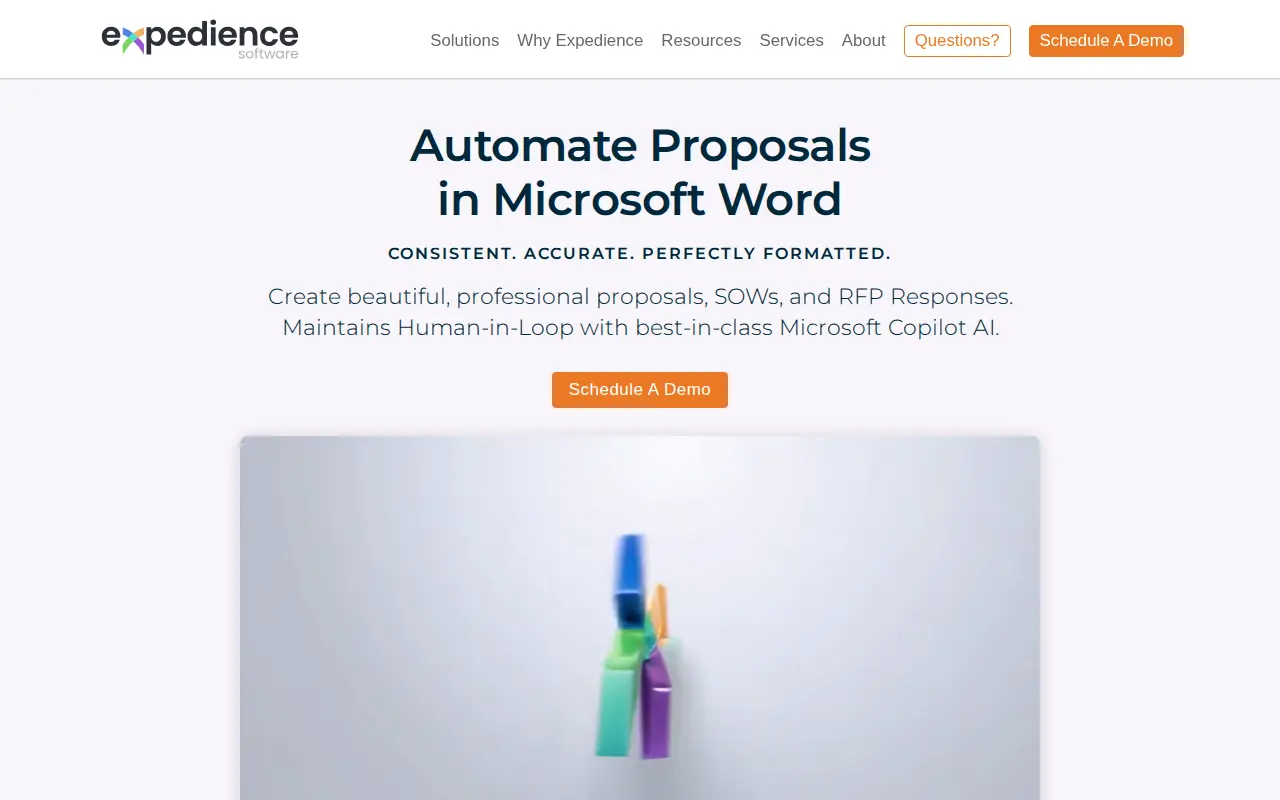
EX Expedience Software
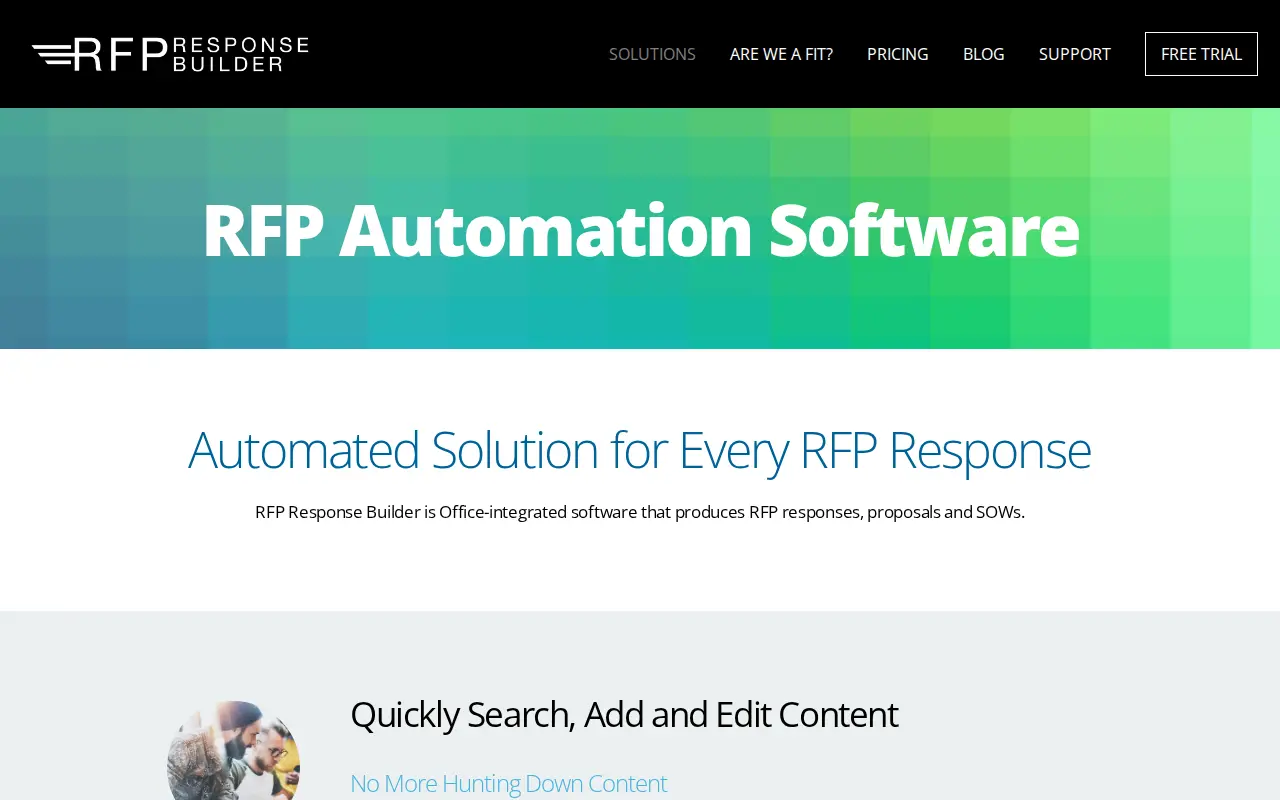
RF RFP Response Builder
Security: ISO 27001, SOC 2, and regional hosting
Put Expedience Software and RFP Response Builder through the same three questions a security reviewer will ask: ISO 27001, SOC 2, and whether you can keep the tenancy in the US or the EU. Cells say Not listed when we could not find the claim on a public vendor page.
| Check | Expedience Software | RFP Response Builder |
|---|---|---|
| ISO 27001 | Not listed | Not listed |
| SOC 2 | Not listed | Not listed |
| US hosting | Not listed | Not listed |
| EU hosting | Not listed | Not listed |
Slack and Microsoft Teams
During a live questionnaire, SMEs get pinged in Slack or Teams, not in a vendor portal. Here is what Expedience Software and RFP Response Builder publish for those two connections.
| Connection | Expedience Software | RFP Response Builder |
|---|---|---|
| Slack | Not listed | Not listed |
| Microsoft Teams | Microsoft Teams | Not listed |
Subprocessors: the big three clouds, then the niche names
Compare Expedience Software and RFP Response Builder on AWS, Azure and GCP first. Then scan for niche processors a reviewer should pause on: third-party LLMs, session replay, or support that leaves the region you elected.
| Layer | Expedience Software | RFP Response Builder |
|---|---|---|
| AWS, Azure, GCP | Not listed | Not listed |
| Watch-outs | No niche processors flagged in our sourced list. | No niche processors flagged in our sourced list. |
If your proposal team refuses to leave Microsoft Word, this is the comparison for you. Expedience Software and RFP Response Builder both put a content library inside the Word ribbon, both handle Excel-based RFPs, and both are built for Office on Windows. Neither asks your writers to learn a new web app.
The differences are in the edges: how they buy, how they handle AI, how far the workflow features go, and what kind of company each one usually serves. Expedience sells quote-based to enterprise names like Lenovo and Deloitte and plugs into Microsoft Copilot for drafting help. RFP Response Builder publishes a $39 per user price, needs no sales call, and does not generate text at all. We read both vendors’ product, pricing and support pages, and their review profiles, in October 2026.
Key takeaways
- Shared model: Both are Word and Excel add-ins with a curated content library you search and insert from, plus formatting automation. Contributors stay in Office.
- Pricing: RFP Response Builder charges $39 a seat per month on Business (five seats minimum), offers a no-card trial and asks for 30 days’ notice to cancel. Expedience publishes no price; it says price “depends on how many users, features, and add-ons you need.”
- AI drafting: Expedience integrates Microsoft Copilot and positions its library as the approved source Copilot drafts from. RFP Response Builder has no generative AI drafting.
- Excel RFPs: Expedience’s Excel Connect imports a spreadsheet RFP into a Word table, then writes answers back into the original cells. RFP Response Builder works inside Excel directly, inserting library content into the cells.
- Reviews: Expedience holds 4.8/5 on Capterra from 27 reviews (as of July 2026). RFP Response Builder sits at 4.5/5 across 56 G2 reviews (July 2026).
- Limitations: Both are tied to Office for Windows, and Mac users run them through Parallels. Expedience reviewers report hiccups after Office updates; RFP Response Builder keeps Salesforce and integration services off its Business plan.
Same address, different floors
Both tools answer the same complaint: proposal writers spend too much time hunting for the right paragraph and then fixing its formatting.
RFP Response Builder has been at it since 2003 and is sold by Cors Productivity Solutions, based in Reston, Virginia. Its library pops out of a side panel in Word. You search by category, sub-category or keyword, insert text, tables or graphics, and the tool adapts the content to your document’s style. Content is cleaned automatically when it is added. A cloud dashboard tracks projects, tasks and due dates from a browser or phone, and the desktop clients sync through the vendor’s AWS-hosted cloud so the library also works offline.
Expedience, headquartered in Manchester, New Hampshire, covers the same ground with more modules. Its RFP and RFI page describes a Word-native library of richly formatted answers, tables, charts and images, searchable by keyword, full text and tag from the ribbon. Around it sit a Style Palette for formatting, a Proposal Manager module for requirements and bid decisions, Excel Connect for spreadsheet RFPs, and solutions for sales proposals and statements of work.
If RFP Response Builder is a well-organized cupboard next to your desk, Expedience is the cupboard plus a filing system and a project board, all inside the same Word window.
AI: Copilot versus none
This is the clearest product difference.
Expedience’s approach is to let Microsoft’s Copilot do the generating and to make Expedience the governed content Copilot works from. Its RFP page calls the library the approved “Grounded Truth” that Copilot needs, and suggests using Copilot to summarize RFP requirements or polish tone, then inserting approved content from Expedience. Its Proposal Manager page describes Copilot surfacing patterns and risky sections while proposal managers and SMEs remain “the final authority.”
Two practical notes. Copilot is Microsoft’s product, so confirm how your organization licenses it before you count on this feature. And the traceability Expedience describes lives in the inserted library records; ask how a reviewer can tell which approved content a Copilot-drafted paragraph came from.
RFP Response Builder does not generate text. Every answer comes from your library, written and approved by a person. That is a limitation if you want help with new questions, and a feature if your legal team wants every sentence to have an owner.
Excel RFPs and portal questionnaires
Spreadsheet RFPs are where Word-first teams usually suffer, so both vendors address them.
Expedience’s Excel RFP page describes importing the Excel RFP into a structured Word table, keeping the spreadsheet’s rules, validations and character limits visible while you write, then sending completed answers back into the correct Excel cells “even if the spreadsheet has been resorted or modified.” Excel Connect also reformats rich content to meet Excel and portal limits, such as inserting carriage returns. The page adds that SMEs work in Word without needing an Expedience license, which is worth confirming in your quote.
RFP Response Builder takes the simpler path: it is built into Excel as well as Word, so you insert library answers straight into the questionnaire cells. There is less to set up and less validation help.
Neither vendor markets security framework mapping (SIG, CAIQ) or a trust center. For heavy security questionnaire volume, both are the wrong category; for the occasional Excel questionnaire alongside proposals, both will do.
Workflow and project management
RFP Response Builder’s workflow is practical and light. A big RFP can be broken into pieces, each piece handed to a named writer with a deadline, and the finished pieces stitched back into one response automatically. The dashboard shows tasks, projects and reminders. Roles (user, editor, admin) control who can add or edit library content, contributors can submit content for review, and an expired-content view shows what needs refreshing.
Expedience goes further on pursuit management. Proposal Manager identifies and highlights requirements, supports bid/no-bid decisions, exports requirements for compliance tracking, and assigns tasks to owners from the Word ribbon. Expedience’s integrations list adds Outlook, Teams, SharePoint, OneDrive, PowerPoint and Microsoft Dynamics. For a proposal department running dozens of pursuits, that structure matters. For a five-person team, it may be more than you need.
Buying: a quote versus a credit card
Here the tools diverge sharply.
RFP Response Builder’s pricing page is refreshingly short: a single all-features Business plan at $39 a seat each month, five seats at minimum ($195 a month), paid by card, cancelled with a month’s notice and no long contract. The no-card trial unlocks everything in Business. Vendor-hosted storage for project files costs another $5 a seat each month once the trial ends, and discounts kick in past 20 licenses. The quote-only Enterprise tier is where Salesforce and other bespoke connectors, custom development and premium onboarding live; Business and the trial exclude integration services.
Expedience’s pricing page has no numbers: price “depends on how many users, features, and add-ons you need.” Buying starts with a demo and runs through implementation services. For an enterprise buyer that expects a statement of work, that is normal. For a small firm that wants to start next week, it is friction.
Platform requirements and maintenance
Both tools ask for Windows.
RFP Response Builder’s trial page requires a Windows PC running the Windows edition of Office; a Mac only works through Parallels or Boot Camp. Expedience reviewers on Software Advice say the same in practice: not native to Mac Office (2017), Mac compatibility needing Windows emulation (2020).
Living inside Office also means inheriting Office’s update cycle. Software Advice reviewers of Expedience report compatibility problems during the move to Office 365 (September 2022) and integration issues after Word updates (January 2024), resolved through support. Reviewers also praise that support repeatedly, so the pattern is “occasional breakage, fast fixes” rather than “unsupported.”
The library is the other maintenance cost. Two Expedience reviewers in January 2024 say content needs regular upkeep that can outrun their bandwidth. That is true of every library tool, including RFP Response Builder; the difference is only how much structure each gives the person doing it.
Formatting: Style Palette versus auto-styling
Formatting is the quiet reason both products exist. Paste a paragraph from an old proposal into a new template and you inherit its fonts, spacing and numbering, which someone then fixes by hand at midnight.
RFP Response Builder handles this automatically: inserted content adjusts to the target document’s style, and content is cleaned on the way into the library. There is little to configure, which suits a team without a dedicated document designer.
Expedience gives you more control through its Style Palette, which applies your corporate styles from the ribbon. Software Advice reviewers credit it with simpler formatting and consistent branding, though one 2020 reviewer notes that users with weak Word skills struggle with it, and a 2017 reviewer wanted its modifications to be more intuitive. More control means more to learn.
Moving your content in
Both tools assume you already have content worth reusing, and both make you curate it.
With RFP Response Builder, you build the library from inside Word: select text in an existing proposal, add it to a category, and it syncs to everyone. Tagging discipline is up to you. Start with the 50 answers your team pastes most often, not with every proposal from the last five years.
With Expedience, the library is richer (formatted answers, tables, charts, images, tags) and implementation is a guided project. Reviewers from as far back as 2017 and as recently as 2020 mention that setup needs careful planning of how text blocks are structured. The vendor’s implementation team, which reviewers praise, is part of the deal.
Either way, the first month is mostly content work. Name an owner before you sign.
A side-by-side test worth running
RFP Response Builder’s trial is free and self-serve. Expedience starts with a demo, so ask early whether you can get hands-on access with your own content. Use the same material for both:
- Take one recent Word RFP and one Excel questionnaire.
- Load the 30 to 50 answers you reuse most into each library.
- Have two writers answer both documents in each tool, and time them.
- Check the outputs for formatting drift, stale answers and, on Expedience, whether Excel answers landed in the right cells.
- Ask each vendor for the full first-year cost at your user count, including hosting, onboarding and any Copilot or integration add-ons.
Where your content lives
For teams with strict IT policies, storage can decide the shortlist. Expedience pitches keeping content behind your own firewall, inside the Microsoft environment you already secure, which is part of its appeal to large enterprises. RFP Response Builder keeps a copy of the library on each desktop and syncs changes through its own cloud on Amazon Web Services; project files can sit on a network drive, in SharePoint, or in the vendor’s hosted storage. We could not verify a SOC 2 report or ISO 27001 certificate for either vendor, so ask both for current security documentation before you load customer material.
Known issues and watch-outs
Sources were read in October 2026.
Expedience Software
- No public pricing: quotes depend on users, features and add-ons. (Expedience pricing, October 2026)
- Windows Office only: reviewers (2017 and 2020) say Mac users need Windows emulation such as Parallels. (Software Advice reviews, October 2026)
- Office update hiccups: reviewers (September 2022 and January 2024) report compatibility or integration problems after Office and Word updates. (Software Advice reviews, October 2026)
- Library upkeep: two January 2024 reviewers say maintenance can outrun the team’s bandwidth. (Software Advice reviews, October 2026)
RFP Response Builder
- Desktop on Windows: the add-in needs a Windows PC with Windows Office; Macs need a Windows layer. (RFP Response Builder trial requirements, October 2026)
- Five seats, one month’s notice: the Business plan starts at five users, cancellation takes 30 days, and hosted project storage is billed per seat once you convert. (RFP Response Builder pricing, October 2026)
- Connectors cost more: Salesforce needs Enterprise, and Business buyers get no integration services. (RFP Response Builder pricing, October 2026)
What each does better
Expedience’s strengths are depth and service. Its customer list (Lenovo, Deloitte, First Data, Teladoc, Ultimate Software) shows it holds up in large proposal operations, and Software Advice reviewers repeatedly single out the implementation team and support. One reviewer in March 2026 wrote that “the implementation process was smooth, training was effective, and the platform was easy for our team to adopt.” The Excel write-back and Copilot grounding are genuinely useful additions to a Word-native library.
RFP Response Builder’s strengths are simplicity and price. You can install it, load content and start inserting answers without talking to anyone, and the vendor says users can begin adding and categorizing content within an hour of downloading. At $39 per user, a five-person team pays $195 a month for a mature Word and Excel library, with a 4.5/5 G2 rating behind it. Its customers, such as Forerunner Technologies, Advantel Networks and Communication Resources, Inc., are the kind of IT and communications firms that answer similar RFPs over and over.
Who should pick Expedience Software
- You run a proposal department with enough volume to justify a quote, implementation and training.
- You want Copilot in the drafting loop, grounded in approved content.
- You get many Excel-based RFPs and want answers written back into the original cells.
- You need pursuit management (requirements, bid decisions, assignments) inside Word.
Who should pick RFP Response Builder
- You are a team of five to twenty on Windows that wants a Word and Excel library this week.
- You prefer a published price, a credit card and month-to-month terms.
- Your answers are mostly reusable, and you do not want AI-generated text in submissions.
- You can live without CRM integration, or can justify Enterprise for Salesforce.
Verdict
These tools share a philosophy and split the market by size. Pick Expedience when you are buying a governed, Word-native proposal system for a larger team and want Copilot and Excel automation on top. Pick RFP Response Builder when you want the same Word-native library idea at a published price, with no sales cycle and no AI.
If neither AI drafting nor Windows is a problem for you, the deciding question is simple: do you want a vendor relationship or a credit card? The one-liner: Expedience for the proposal department, RFP Response Builder for the team that just needs the library in Word.
Read the full Expedience Software review or RFP Response Builder review, or browse all RFP & DDQ software.
Frequently asked questions
What is the difference between Expedience Software and RFP Response Builder?
Expedience Software: Proposal automation that stays inside Word. RFP Response Builder: RFP responses built inside Word and Excel. Expedience Software is best for teams that want proposal automation without adopting a separate web app. RFP Response Builder is best for office-first teams that want a content library without leaving Word and Excel.
Which is cheaper, Expedience Software or RFP Response Builder?
RFP Response Builder publishes a starting price ($39/user/mo). Expedience Software is quote-only, so request a quote for the same scope before comparing cost.
Is Expedience Software or RFP Response Builder better for DDQs and security questionnaires?
They are level on DDQ and security-questionnaire handling in our capability model, so test both on one of your own questionnaires.
Do Expedience Software and RFP Response Builder both handle RFPs?
Expedience Software: yes, a core strength. RFP Response Builder: yes, a core strength.
Which should you choose, Expedience Software or RFP Response Builder?
Expedience Software is the pick for teams that want proposal automation without adopting a separate web app. RFP Response Builder is the pick for office-first teams that want a content library without leaving Word and Excel.
Are there alternatives to Expedience Software and RFP Response Builder?
Yes. Browse the full directory of RFP, DDQ, and security-questionnaire platforms for more options and side-by-side comparisons.
Do Expedience Software and RFP Response Builder list ISO 27001, SOC 2, and US or EU hosting?
Expedience Software: ISO 27001 Not listed, SOC 2 Not listed, US Not listed, EU Not listed, Slack Not listed, Teams Microsoft Teams, clouds Not listed. RFP Response Builder: ISO 27001 Not listed, SOC 2 Not listed, US Not listed, EU Not listed, Slack Not listed, Teams Not listed, clouds Not listed. Confirm both on the vendor sites.
Source registry
Every page we read for these profiles, with the month it was last checked. Anything without a source is shown as not publicly disclosed. Spot an outdated fact? Send it from the corrections page.
Expedience Software
Security and compliance
- No security source URL recorded. Treat certifications and hosting as not publicly disclosed.
Product and integrations
RFP Response Builder
Security and compliance
- No security source URL recorded. Treat certifications and hosting as not publicly disclosed.
Product and integrations
Third-party reviews