Quick verdict
Choose 1up for sales teams that need questionnaire answers plus enablement in one self-serve tool; choose PandaDoc for teams that want proposals, contracts, e-sign, and payments in one document tool. Both list a similar starting price of $0 (free tier). In our capability model 1up leads on RFPs, DDQs, security questionnaires, AI drafting, answer library and source attribution, while PandaDoc leads on approval workflows.
Both profiles reviewed Oct 2026
2 of 70 profiles, one scoring modelNo paid placementSources checked: 17Choose 1up or PandaDoc
1U Choose 1up when
- Sales teams that need questionnaire answers plus enablement in one self-serve tool.
- You need stronger RFPs, DDQs and security questionnaires than PandaDoc offers.
PA Choose PandaDoc when
- Teams that want proposals, contracts, e-sign, and payments in one document tool.
- You need stronger approval workflows than 1up offers.
Side-by-side comparison
| Capability | 1up | PandaDoc | Edge |
|---|---|---|---|
| Best for | Sales teams that need questionnaire answers plus enablement in one self-serve tool. | Teams that want proposals, contracts, e-sign, and payments in one document tool. | - |
| Starting price | $0 (free tier) | $0 (free tier) | Match |
| Free tier | Yes | Yes | Match |
| RFPs | 2/3 | 0/3 | 1up |
| DDQs | 2/3 | 0/3 | 1up |
| Security questionnaires | 3/3 | 0/3 | 1up |
| AI drafting | 3/3 | 1/3 | 1up |
| Answer library | 2/3 | 1/3 | 1up |
| Source attribution | 2/3 | 0/3 | 1up |
| Workflow & approvals | 1/3 | 2/3 | PandaDoc |
| Integrations | 3/3 | 3/3 | Match |
| Self-serve onboarding | 3/3 | 3/3 | Match |
| ISO 27001 | ISO 27001 | Not listed | - |
| SOC 2 | SOC 2 | SOC 2 | - |
| US hosting | Not listed | Not listed | - |
| EU hosting | Not listed | Not listed | - |
| Slack | Slack | Slack | - |
| Microsoft Teams | Microsoft Teams | Not listed | - |
| AWS, Azure, GCP | Not listed | Not listed | - |
| Listed integrations | Slack, Microsoft Teams, Google Chat, Salesforce, Google Drive, Confluence, SharePoint | Salesforce, HubSpot, Pipedrive, Stripe, QuickBooks, Slack | - |
| Certifications | SOC 2, ISO 27001 | SOC 2, HIPAA | - |
What they look like
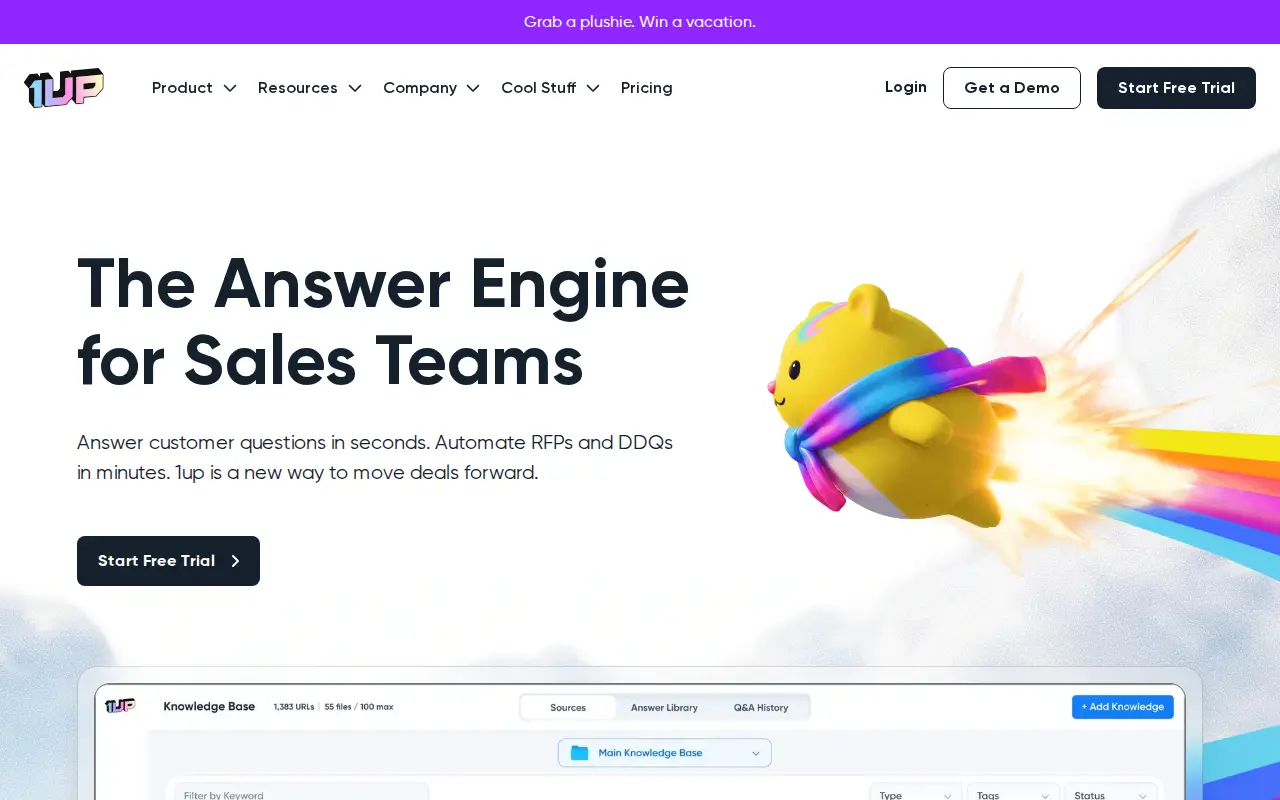
1U 1up
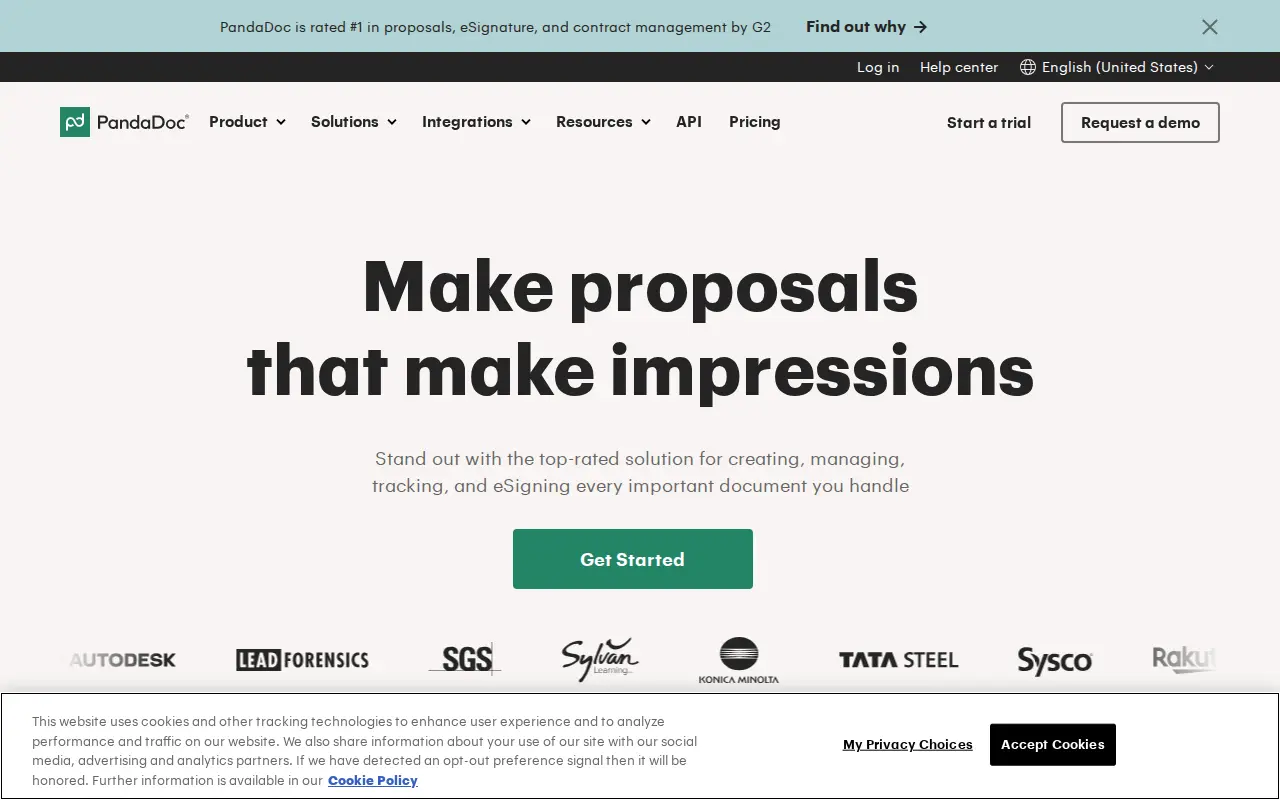
PA PandaDoc
Security: ISO 27001, SOC 2, and regional hosting
Put 1up and PandaDoc through the same three questions a security reviewer will ask: ISO 27001, SOC 2, and whether you can keep the tenancy in the US or the EU. Cells say Not listed when we could not find the claim on a public vendor page.
| Check | 1up | PandaDoc |
|---|---|---|
| ISO 27001 | ISO 27001 | Not listed |
| SOC 2 | SOC 2 | SOC 2 |
| US hosting | Not listed | Not listed |
| EU hosting | Not listed | Not listed |
Slack and Microsoft Teams
During a live questionnaire, SMEs get pinged in Slack or Teams, not in a vendor portal. Here is what 1up and PandaDoc publish for those two connections.
| Connection | 1up | PandaDoc |
|---|---|---|
| Slack | Slack | Slack |
| Microsoft Teams | Microsoft Teams | Not listed |
Subprocessors: the big three clouds, then the niche names
Compare 1up and PandaDoc on AWS, Azure and GCP first. Then scan for niche processors a reviewer should pause on: third-party LLMs, session replay, or support that leaves the region you elected.
| Layer | 1up | PandaDoc |
|---|---|---|
| AWS, Azure, GCP | Not listed | Not listed |
| Watch-outs | No niche processors flagged in our sourced list. | No niche processors flagged in our sourced list. |
These two tools almost never compete for the same job. 1up answers questions somebody else wrote: the 180-row security questionnaire, the DDQ in a locked Excel file, the OneTrust portal a buyer just sent your rep. PandaDoc builds documents you write and send: the proposal, the order form, the contract, the e-signature and the payment link at the end of it. If your search history says “1up vs PandaDoc”, the honest answer is usually “which of those two problems is hurting more this quarter”, and plenty of sales teams end up paying for both.
This comparison walks through what each one does with a real document, what it costs once you count seats and plan gates, where each falls short according to its own help pages, and how to tell which one your team needs first.
Key takeaways
- Different directions of travel: 1up handles inbound questionnaires (RFPs, DDQs, security reviews, web portals) by drafting answers from your knowledge sources. PandaDoc handles outbound documents (proposals, quotes, contracts) with templates, e-signature and payments.
- Pricing models pull in opposite directions: 1up has a free plan and flat monthly tiers ($300/mo Starter with unlimited users, $900/mo Plus). PandaDoc has a Free eSign plan, then sells seats at $19 (Starter) or $49 (Business) per user a month on annual billing.
- The real limits sit in the plan tables: 1up’s Starter includes 1 questionnaire automation a month and Plus includes 6. PandaDoc’s Starter has no content library, approvals or CRM integrations, and Salesforce is a paid add-on even on Business.
- Trust signals: 1up lists SOC 2 and ISO 27001. PandaDoc lists SOC 2 and HIPAA and carries a 4.7 G2 rating from 3,592 reviews (as of July 2026).
- Coexistence is normal: a team can answer the security questionnaire in 1up and send the commercial proposal and contract from PandaDoc in the same deal cycle.
- Limitations: PandaDoc is the wrong category for questionnaire response. 1up is the wrong tool for designing, signing or collecting payment on an outbound proposal.
What each tool is built to do
1up: an answer engine for buyer questions
1up, founded in 2022 and based in New York, describes itself as an answer engine for sales teams. You connect or upload your knowledge (Google Drive, Confluence, SharePoint, Notion, OneDrive, Egnyte, Highspot, Salesforce, plus URLs and files), and 1up drafts answers to whatever lands: a spreadsheet questionnaire, a Word RFP, a PDF form, or questions inside a browser portal. The same knowledge base answers reps directly in Slack, Microsoft Teams and Google Chat, which is why 1up sells itself to sales enablement as much as to bid desks.
Named customers include JumpCloud, WalkMe, Fleetio, Docebo and Deliveroo.
PandaDoc: a document workflow for the deal itself
PandaDoc, founded in 2013 and headquartered in San Francisco, is a document platform for the paperwork that closes a deal. You build a proposal from a template with a drag-and-drop editor, drop in a pricing table or quote builder, route it for internal approval, send it for legally binding e-signature, and collect payment through Stripe, PayPal, Square or QuickBooks Payments. Integrations with Salesforce, HubSpot and Pipedrive let reps create documents from CRM records.
Named customers include Nomad, Wizehire and ChiliPiper. The review base is large: 4.7 on G2 (3,592 reviews), 4.5 on Gartner (405) and 4.5 on Capterra (1,254), all as of July 2026.
The same Tuesday, two different documents
Picture one mid-market software deal. On Tuesday morning the prospect’s procurement team sends a vendor security assessment as an Excel file with 220 rows and three dropdown columns. That afternoon the account executive needs to send a proposal with pricing, a statement of work and an order form for signature.
The questionnaire is 1up territory. You upload the file, 1up detects the questions, requirements, dropdowns (up to three, per its help center) and the answer column, then drafts responses from the tagged knowledge sources you pick. Each answer comes in a short and a long version, and the short one respects a maximum length you set. You review, mark answers approved, and export back into the file. If the buyer uses a portal such as OneTrust, Whistic or Panorays, the Chrome or Edge extension scans the page and fills answers in place.
The proposal is PandaDoc territory. The rep picks a template, a pricing table pulls products, and the document goes out for signature. On Business, the CRM fills the client fields and document analytics show when the buyer opened it. When they sign, PandaDoc can take the first payment.
Could you force either tool into the other’s job? Not well. PandaDoc has no way to ingest a buyer’s questionnaire and map answers into it; its AI Assistant drafts and rewrites text inside your own templates. 1up has no proposal designer, pricing table, e-signature or payment step. These are different tools, and that is fine as long as you buy each one for the job it actually does.
Reusable content: knowledge base versus content library
Both products store reusable content, and the comparison stops there.
1up’s knowledge base is the raw material for generated answers. It indexes documents, URLs and connected sources, and it keeps an Answer Library of edited or approved Q&A pairs that 1up favors in later drafts. Three details matter in practice:
- 1up’s FAQ says it only answers from your knowledge base and will mark a question unanswered when the information is missing, instead of guessing.
- It deliberately shows no confidence score. Its help center argues that a model grading its own output is misleading and uses a binary “can or cannot answer” status, with Partial and Full answer labels. Some reviewers will want a score anyway; 1up’s position is to let the reader judge.
- The knowledge base has a file ceiling by plan, covered under watch-outs below.
PandaDoc’s content library stores reusable blocks: a case study page, a security overview section, a standard terms clause. Reps drag them into documents. It is a good way to keep outbound proposals consistent, and it is not a question-answering system. It does not read an incoming question and pick the right block. Note that the content library only exists on the Business and Enterprise plans.
Pricing and total cost
The verified pricing for each, as of October 2026:
- 1up (from $0): the free-forever plan covers 1 admin and 50 answers a month. Above it sit flat monthly tiers: MCP at $50/mo plus pay-as-you-go questionnaire automation at $5 per 100 answers, Starter at $300/mo with unlimited users, and Plus at $900/mo. Enterprise is quoted. Paying annually takes 15% off, and each paid tier offers a free trial.
- PandaDoc (from $0): Free eSign handles basic signing, capped at 5 documents a month with 2 recipients on each. Paid seats cost $19 a user per month on Starter ($35 if paid monthly) and $49 on Business ($65 monthly), and Enterprise is priced on request. Some integrations are kept for the higher plans.
What that means for a 12-person sales team:
| Scenario | 1up | PandaDoc |
|---|---|---|
| Everyone needs access | Starter, $300/mo flat, unlimited users | Business, 12 × $49 = $588/mo billed annually |
| Only 3 people touch the tool | Still $300/mo on Starter | Business, 3 × $49 = $147/mo billed annually |
| Light, occasional use | Free plan or MCP at $50/mo plus $5 per 100 answers | Free eSign for signatures only |
The flat versus per-seat split cuts both ways. 1up gets cheaper per head as more reps use the Slack bot. PandaDoc gets cheaper when only a few people send documents. The catch on the 1up side is the questionnaire allowance, which caps how many full questionnaires each tier automates. The catch on the PandaDoc side is that the cheap Starter seat lacks the features most sales teams buy PandaDoc for, so Business is the realistic floor.
Integrations and stack fit
1up connects to where knowledge lives and where reps talk. Knowledge can flow in from Confluence, Google Drive, Notion, SharePoint, OneDrive, Egnyte, Highspot or Salesforce, Slack, Teams and Google Chat as answer surfaces, Chrome and Edge extensions for portals and online docs (Google Sheets, Google Docs, Microsoft Office Online), and an MCP server so other AI tools can query the knowledge base.
PandaDoc connects to where deals and money live. CRM (Salesforce, HubSpot, Pipedrive, Zoho), payments (Stripe, PayPal, QuickBooks), storage (Google Drive, Dropbox), Slack, Zapier and a REST API. PandaDoc’s own plan comparison shows CRMs other than Salesforce on Business and Enterprise, with Salesforce sold as an add-on.
The two stacks barely overlap. If you run Salesforce, both can sit next to it: 1up reads Salesforce content as a knowledge source, and PandaDoc creates documents from opportunity records.
Known issues and watch-outs
Every item below comes from the vendor’s own pricing or help pages, checked in October 2026.
1up
- Questionnaire allowances are small on the lower tiers. The 1up pricing page lists “1 Questionnaire” on Starter ($300/mo) and “6 Questionnaires” on Plus ($900/mo), with anything beyond that on a custom Enterprise plan. A team that fields eight security reviews a month is an Enterprise conversation from day one.
- The knowledge base has a file cap. The same page lists 50 knowledge files on Starter and 200 on Plus, and 1up’s FAQ (April 2026) confirms the limit counts files held at once: you can delete and re-upload, but not exceed it.
- Chat plugins, the browser extension and SSO start on Starter. The Free and MCP plans leave them out (pricing page), so the free plan is a trial of answer quality, not of the full workflow.
- PII questions are blocked outright. According to 1up’s Generating Answers guide (April 2026), any question containing names, emails, domains or URLs is always blocked and cannot be overridden. Security questionnaires often ask “provide the URL of your privacy policy”, so expect a few manual rows.
- Prefilled files need cleaning first. The same guide says 1up will not overwrite existing responses, including prefilled dropdowns, and recommends uploading clean files.
PandaDoc
- Starter is thin. PandaDoc’s plan comparison (help center, October 2026) shows no content library, no approval workflow and no CRM integration on Starter, and caps reusable templates at 5.
- Salesforce costs extra. The Salesforce 2-way sync article (June 2026) lists availability on Business Annual and Enterprise Annual plans only, as a paid add-on.
- Conditional approvals are an add-on on Business. PandaDoc’s conditional approvals article says they are a paid add-on on Business and included on Enterprise.
- SSO and custom roles are Enterprise-only, per the plan comparison. If your IT team mandates SSO for every SaaS app, price Enterprise.
- The new editor is still early access. Several PandaDoc help articles from May to August 2026 flag the “new experience” as an early access program with documented limitations, so check which editor your account will land on.
What each gets genuinely right
Credit where it is due, because both tools are good at their own jobs.
1up’s strengths: a real free plan and a self-serve trial on paid tiers; unlimited users and unlimited answers from Starter up; a browser extension that works inside the portals security teams actually get sent; and an answer engine that doubles as the “ask the expert” bot reps use in Slack. Its stance on grounding is clear and documented: answer from your sources or mark the question unanswered.
PandaDoc’s strengths: one place for proposal, quote, contract, signature and payment, with an audit trail on paid plans and a tamper-proof PDF seal on every plan. The review base is enormous for this category, and the integration list covers the CRMs and payment processors most small and mid-size sales teams already run. For a team whose bottleneck is “the proposal takes two days to format and three days to get signed”, PandaDoc fixes exactly that.
Running both in one sales process
A common split looks like this:
- The prospect sends a security questionnaire or RFP. Your solutions engineer answers it in 1up and exports it back in the buyer’s format.
- The rep asks product questions in Slack during the cycle, and 1up answers from the same knowledge base.
- Once the deal is qualified, the rep generates the proposal and order form in PandaDoc from the CRM record, routes it for approval on Business, and sends it for signature.
The tools do not hand data to each other, and they do not need to. The shared spine is the CRM and the content you keep current. One practical tip: keep your security overview and standard answers in a source both teams trust (a Confluence space or a Drive folder), connect it to 1up, and copy the approved version into a PandaDoc content library block. One edit upstream, two consumers downstream.
Who should pick 1up
Pick 1up if most of these are true:
- Your pain is inbound: security questionnaires, DDQs, RFPs and buyer portals.
- Reps keep asking solutions engineers the same product questions in Slack or Teams.
- You want to try it free before buying, and a flat monthly price suits you better than seats.
- Your volume fits the allowances (1 questionnaire a month on Starter, 6 on Plus), or you are ready to talk Enterprise.
- Your knowledge already lives in Drive, Confluence, SharePoint or Notion and you would rather connect it than rebuild a library.
Who should pick PandaDoc
Pick PandaDoc if most of these are true:
- Your pain is outbound: proposals, quotes, contracts and getting them signed and paid.
- You want CRM-driven documents and pricing tables, and you can budget for Business seats.
- You need e-signature with audit trails, and you like the idea of payment collection inside the document.
- Your team is small enough that per-seat pricing stays sensible.
- You do not need to answer buyer-authored questionnaires, or you already have a separate tool for that.
Verdict
These solve different problems, so the right first purchase depends on where deals stall. If deals stall at the security review or the RFP, start with 1up and check the questionnaire allowance against your real monthly volume before you pick a tier. If deals stall between “verbal yes” and “signed order form”, start with PandaDoc on Business, and budget the Salesforce add-on if that is your CRM.
If you are being asked to choose one tool to do both jobs, push back. PandaDoc will not answer a vendor security questionnaire, and 1up will not get a contract signed. The cheapest working setup for a growing sales team is often the 1up Starter plan for questionnaires plus a handful of PandaDoc Business seats for the people who actually send proposals.
In one line: 1up answers the buyer’s questions, PandaDoc sends the buyer your paperwork.
Read the full 1up review or PandaDoc review, or browse all RFP & DDQ software.
Frequently asked questions
What is the difference between 1up and PandaDoc?
1up: Self-serve AI for questionnaires and sales enablement. PandaDoc: All-in-one docs, e-sign, and payments. 1up is best for sales teams that need questionnaire answers plus enablement in one self-serve tool. PandaDoc is best for teams that want proposals, contracts, e-sign, and payments in one document tool.
Which is cheaper, 1up or PandaDoc?
Both start at a similar published price ($0 (free tier)), so pricing shouldn't be the deciding factor.
Is 1up or PandaDoc better for DDQs and security questionnaires?
1up scores higher on DDQ and security-questionnaire handling in our capability model, though both support them.
Do 1up and PandaDoc both handle RFPs?
1up: yes, a core strength. PandaDoc: limited.
Which should you choose, 1up or PandaDoc?
1up is the pick for sales teams that need questionnaire answers plus enablement in one self-serve tool. PandaDoc is the pick for teams that want proposals, contracts, e-sign, and payments in one document tool.
Are there alternatives to 1up and PandaDoc?
Yes. Browse the full directory of RFP, DDQ, and security-questionnaire platforms for more options and side-by-side comparisons.
Do 1up and PandaDoc list ISO 27001, SOC 2, and US or EU hosting?
1up: ISO 27001 ISO 27001, SOC 2 SOC 2, US Not listed, EU Not listed, Slack Slack, Teams Microsoft Teams, clouds Not listed. PandaDoc: ISO 27001 Not listed, SOC 2 SOC 2, US Not listed, EU Not listed, Slack Slack, Teams Not listed, clouds Not listed. Confirm both on the vendor sites.
Source registry
Every page we read for these profiles, with the month it was last checked. Anything without a source is shown as not publicly disclosed. Spot an outdated fact? Send it from the corrections page.
1up
Pricing
Security and compliance
Product and integrations
Third-party reviews
- No review-site source recorded.
PandaDoc
Pricing
Security and compliance
- No security source URL recorded. Treat certifications and hosting as not publicly disclosed.
Product and integrations