Quick verdict
Choose Better Proposals for freelancers and small businesses that want good-looking proposals without design work; choose PandaDoc for teams that want proposals, contracts, e-sign, and payments in one document tool. PandaDoc starts lower, at $0 (free tier) against $13/user/mo for Better Proposals. In our capability model PandaDoc leads on integrations, and the two match everywhere else.
Both profiles reviewed Oct 2026
2 of 70 profiles, one scoring modelNo paid placementSources checked: 16Choose Better Proposals or PandaDoc
BE Choose Better Proposals when
- Freelancers and small businesses that want good-looking proposals without design work.
- Better Proposals says it offers more than 260 document templates, so non-designers start from a finished layout.
PA Choose PandaDoc when
- Teams that want proposals, contracts, e-sign, and payments in one document tool.
- You need stronger integrations than Better Proposals offers.
- You want the lower entry price: $0 (free tier).
Side-by-side comparison
| Capability | Better Proposals | PandaDoc | Edge |
|---|---|---|---|
| Best for | Freelancers and small businesses that want good-looking proposals without design work. | Teams that want proposals, contracts, e-sign, and payments in one document tool. | - |
| Starting price | $13/user/mo | $0 (free tier) | PandaDoc |
| Free tier | No | Yes | PandaDoc |
| RFPs | 0/3 | 0/3 | Match |
| DDQs | 0/3 | 0/3 | Match |
| Security questionnaires | 0/3 | 0/3 | Match |
| AI drafting | 1/3 | 1/3 | Match |
| Answer library | 1/3 | 1/3 | Match |
| Source attribution | 0/3 | 0/3 | Match |
| Workflow & approvals | 2/3 | 2/3 | Match |
| Integrations | 2/3 | 3/3 | PandaDoc |
| Self-serve onboarding | 3/3 | 3/3 | Match |
| ISO 27001 | Not listed | Not listed | - |
| SOC 2 | Not listed | SOC 2 | - |
| US hosting | Not listed | Not listed | - |
| EU hosting | Not listed | Not listed | - |
| Slack | Not listed | Slack | - |
| Microsoft Teams | Not listed | Not listed | - |
| AWS, Azure, GCP | Not listed | Not listed | - |
| Listed integrations | HubSpot, Salesforce, Zapier, Asana | Salesforce, HubSpot, Pipedrive, Stripe, QuickBooks, Slack | - |
| Certifications | None listed | SOC 2, HIPAA | - |
What they look like
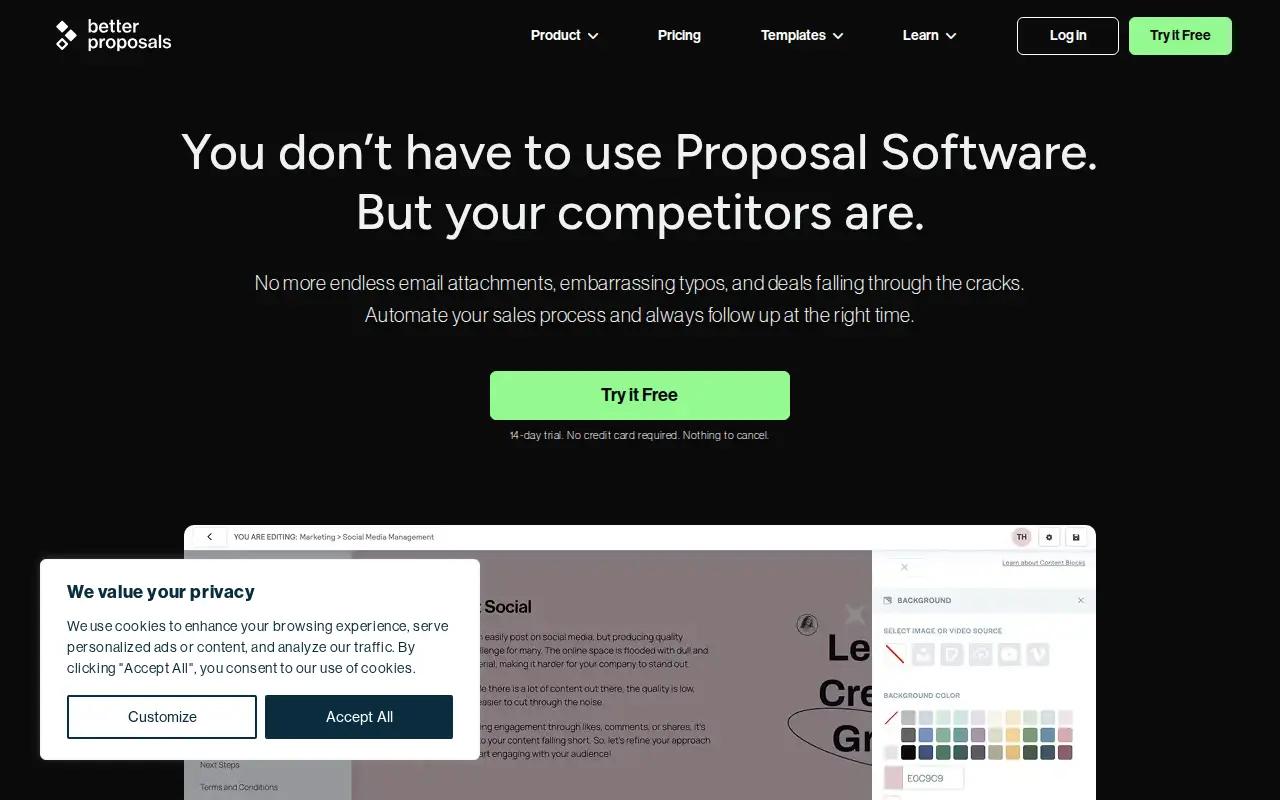
BE Better Proposals
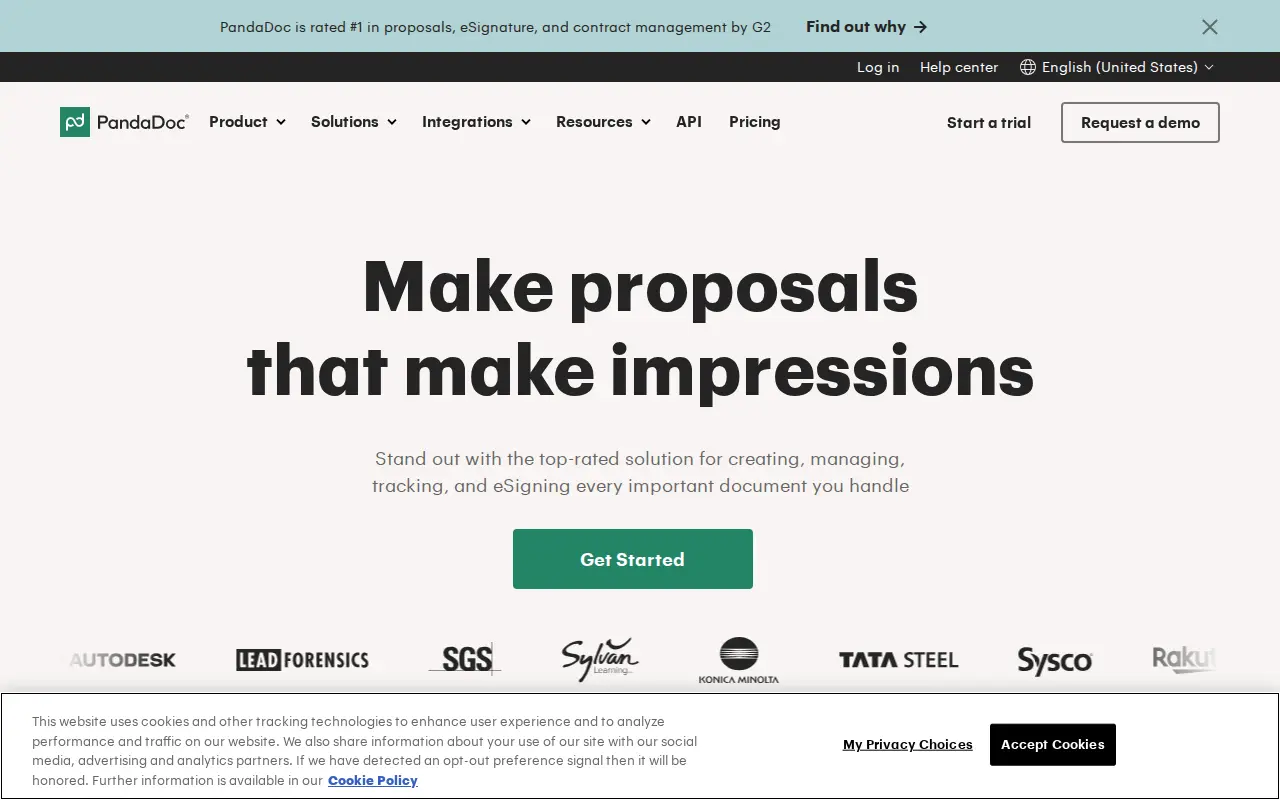
PA PandaDoc
Security: ISO 27001, SOC 2, and regional hosting
Put Better Proposals and PandaDoc through the same three questions a security reviewer will ask: ISO 27001, SOC 2, and whether you can keep the tenancy in the US or the EU. Cells say Not listed when we could not find the claim on a public vendor page.
| Check | Better Proposals | PandaDoc |
|---|---|---|
| ISO 27001 | Not listed | Not listed |
| SOC 2 | Not listed | SOC 2 |
| US hosting | Not listed | Not listed |
| EU hosting | Not listed | Not listed |
Slack and Microsoft Teams
During a live questionnaire, SMEs get pinged in Slack or Teams, not in a vendor portal. Here is what Better Proposals and PandaDoc publish for those two connections.
| Connection | Better Proposals | PandaDoc |
|---|---|---|
| Slack | Not listed | Slack |
| Microsoft Teams | Not listed | Not listed |
Subprocessors: the big three clouds, then the niche names
Compare Better Proposals and PandaDoc on AWS, Azure and GCP first. Then scan for niche processors a reviewer should pause on: third-party LLMs, session replay, or support that leaves the region you elected.
| Layer | Better Proposals | PandaDoc |
|---|---|---|
| AWS, Azure, GCP | Not listed | Not listed |
| Watch-outs | No niche processors flagged in our sourced list. | No niche processors flagged in our sourced list. |
Short answer: For a freelancer, agency or small business sending client proposals, Better Proposals is usually the better buy: $21 per user per month billed annually gets you CRM contact search, a custom domain and white-labelled documents, with signatures, payments, analytics and the content library on every plan. PandaDoc is the better pick when proposals are one document among many (contracts, order forms, intake forms) or when you need free e-signatures. The deciding fact: PandaDoc keeps its content library, pricing tables and CRM integrations for Business at $49 per user per month.
These two get compared because a small business owner searching for “proposal software” meets both on the first page. They overlap on the visible bits: a document the client can read on a phone, sign and pay. Underneath they are aimed at different buyers. Better Proposals is a bootstrapped UK company (it says it has taken no venture capital) that builds for small teams sending proposals. PandaDoc is a venture-backed document platform that sells to everyone from solo users to large sales organizations.
Prices and plan details below come from each vendor’s own pricing page and help center, read in October 2026. As usual for this directory: neither tool imports or answers an RFP, DDQ or security questionnaire. Both send documents out; neither fills in the buyer’s.
Key takeaways
- Entry prices: Better Proposals Starter is $13 per user per month billed annually ($19 monthly) but allows only 1 user and 10 sends a month. PandaDoc Starter is $19 annually ($35 monthly), and PandaDoc also has a $0 Free eSign plan.
- The working tier: Better Proposals Premium ($21 annually, 50 sends a month) adds CRM integrations, a custom domain, expiry dates, API and Zapier, and onboarding forms. PandaDoc’s equivalent is Business ($49 annually), where the content library, pricing tables, CRM integrations and document analytics start.
- Every Better Proposals plan includes signatures, interactive pricing tables, Stripe, GoCardless and PayPal payments, the content library, unlimited templates, and detailed read analytics.
- Team controls cost more on both: Better Proposals keeps manager approvals and content locking for Enterprise ($42); PandaDoc adds approvers on Business and keeps SSO and custom roles for Enterprise.
- Review standing: Better Proposals sat at 4.8/5 on Capterra from 166 reviews, PandaDoc at 4.7/5 on G2 from 3,592, both as of July 2026.
- Limitations: Better Proposals’ own help center warns PDF copies can differ from the web version, and Capterra reviewers call its editor clunky; PandaDoc’s Starter lacks the proposal essentials and Salesforce sync is a paid add-on.
Who each one is really for
Better Proposals says it is trusted by more than 10,000 businesses and freelancers, and everything about its pricing page is aimed at that crowd. More than 260 free document templates (proposals, quotes, contracts, statements of work, brochures, even job offers). A design system that handles spacing and color for non-designers. Live chat support the page describes as answering in about two minutes. And a set of client-onboarding tools that kick in after the signature: book a call, fill in a form, get redirected, pay.
PandaDoc is built to be the document layer for a sales or operations team. Its plan table covers redlining, contract negotiation, approval chains, Rooms for deal collaboration, Forms, bulk send, a quote builder and product catalog, and five payment processors. That breadth earns its keep when the proposal turns into a contract that legal wants to mark up.
A practical way to decide: count the document types you send in a typical month. If it is mostly proposals and the occasional simple contract, Better Proposals covers you for less. If it is proposals, MSAs, order forms, renewals and NDAs, PandaDoc’s breadth is the point.
What each plan includes
Better Proposals (pricing page, October 2026):
- Starter ($13 annually, $19 monthly): 1 user, 10 sends a month. Signatures, interactive pricing tables, payment integrations, content library, notifications and analytics.
- Premium ($21 annually, $29 monthly): unlimited users, 50 sends a month. Adds a custom domain, CRM integrations, automatic expiry dates, API and Zapier, custom onboarding flows and forms, company reports, and removal of the Better Proposals badge.
- Enterprise ($42 annually, $49 monthly): unlimited sends. Adds content locking, simultaneous editing, inline commenting, manager approvals, advanced user permissions, and the HubSpot and Salesforce “Advanced” integrations that update deal stages and create documents from the CRM.
- Extras: Nudge (a follow-up tool) at $10 per user per month, and custom template design from $1,495.
PandaDoc (help-center plan comparison, October 2026):
- Free eSign ($0): 5 documents a month, 2 recipients each, signature only.
- Starter ($19 annually, $35 monthly): editor, unlimited signatures, up to 5 templates, Stripe payments, audit trail. No content library, pricing tables, approvals, analytics or CRM integrations.
- Business ($49 annually, $65 monthly): unlimited templates, content library, quote builder and pricing tables, approvers, document analytics, CRM integrations except Salesforce, custom branding, more payment gateways.
- Enterprise (quote): SSO, custom roles, webhooks, conditional approvals included.
The feature lines that most small businesses care about (content library, pricing tables, analytics, CRM) sit on every or nearly every Better Proposals plan, and on PandaDoc’s second paid tier.
Pricing and total cost
Annual billing, list prices, October 2026:
| Team | Better Proposals | PandaDoc |
|---|---|---|
| Solo, light use | Starter: $156 a year (10 sends a month) | Free eSign: $0 (signatures only), or Starter: $228 a year |
| 5 users, CRM and library | Premium: 5 x $21 x 12 = $1,260 a year | Business: 5 x $49 x 12 = $2,940 a year |
| 5 users with approvals | Enterprise: 5 x $42 x 12 = $2,520 a year | Business: $2,940 a year |
| 10 users with Salesforce | Enterprise: $5,040 a year (Salesforce Advanced included) | Business: $5,880 a year plus the Salesforce add-on (price not published) |
On list price, Better Proposals is cheaper in every row that involves proposals. The two catches are both about Better Proposals’ limits. Starter is a one-person plan, so a second user pushes you to Premium. And Premium caps sends at 50 a month across the account; a busy team will need Enterprise for unlimited sends, which doubles the per-seat price.
PandaDoc’s catch runs the other way: its clean Business number grows with add-ons. Salesforce sync, conditional approvals, bulk send, Forms and redlining on Business are all paid extras whose prices it does not publish.
Getting paid and onboarding the client
This is a quietly important difference for service businesses.
Better Proposals puts payments on every plan through Stripe, GoCardless and PayPal. GoCardless matters if you bill UK or European clients by direct debit. After signing, Better Proposals can start client onboarding straight from the document: book a call, collect project details through a form, or redirect to another page. Custom onboarding flows and forms are on Premium and up. The client can also “accept without signing” with one click when a full signature is overkill.
PandaDoc supports Stripe on Starter and adds PayPal, Square, QuickBooks Payments and Authorize.net on Business. Its Forms product (a paid add-on on Business) can collect information, and its broader document set covers the contract side better. If your finance team runs on QuickBooks Payments or Authorize.net, PandaDoc covers it and Better Proposals’ pricing page does not list them.
Analytics and follow-up
Both tell you what happened after you sent the document, at different tiers.
Better Proposals shows, on every plan, when a client received, opened, read, forwarded, downloaded and signed a document, and which sections they spent the most time on, with real-time in-app and email notifications. Company, team and user performance reports start on Premium. Its Nudge add-on ($10 per user per month) builds a single-screen follow-up list of who to chase today.
PandaDoc’s document analytics with status tracking, reporting and content usage reports start on Business, along with auto reminders. On Starter you get a dashboard and activity timeline.
If you are a small team and section-level read data matters, Better Proposals gives it to you from the first plan.
Templates, branding and design
Neither tool expects you to be a designer, but they get you there in different ways.
Better Proposals leans hard on templates: more than 260 free templates across proposals, quotes, contracts, brochures and statements of work, unlimited saved templates on every plan, and a Doc Importer that turns existing Word documents into Better Proposals templates. Branding goes further than most tools at this price: unlimited brands in one account (useful for agencies running several), custom fonts, Adobe Fonts sync, more than 1,500 Google Fonts, multiple currencies and custom document types. On Premium and up you can use your own domain and remove the Better Proposals badge. If you would rather not touch it at all, custom template design starts at $1,495.
PandaDoc gives every plan access to a library of more than 400 public templates, but saved templates are capped at 5 on Free eSign and Starter and unlimited from Business. Design themes and Word import arrive on Starter, and custom branding on Business. Content locking, which stops reps editing protected sections, is a paid add-on on Business.
For a small agency with several brands or clients, Better Proposals’ multi-brand setup on a low tier is a real advantage. For a larger team that cares about locked legal sections, both push you to their top plan.
Security and trust
Both encrypt documents and give each recipient a unique link, but the paperwork behind them differs.
Better Proposals’ security page says it hosts on AWS, encrypts data with AES-256 at rest and in transit, uses 256-bit SSL, runs hourly encrypted backups, and commissions regular third-party penetration testing from CREST-approved testers. Every plan includes two-factor authentication, password-protected documents and expiry dates (automatic expiry on Premium and up). Note the wording on certifications: the ISO 27001 and SOC 2 references on that page describe AWS’s data centers, not an audit of Better Proposals itself.
PandaDoc includes an audit trail from Starter and a tamper-proof seal on signed PDFs on every plan. Recipient verification and qualified electronic signatures are paid add-ons on Business and Enterprise, and SSO is Enterprise-only. The comparison table at the top of this page lists each vendor’s published security posture with sources.
If a client’s procurement team asks for your proposal tool’s SOC 2 report, ask both vendors for their current documentation before you commit.
Support and setup
Better Proposals’ pricing page promises live chat with a human, a two-minute response time, and a personalised onboarding call for accounts with three or more users. PandaDoc’s trial lets you send up to 50 documents with up to 5 recipients each when you sign up with a business email, which is enough to test with real clients. Both trials last 14 days.
Known issues and limitations
Better Proposals
- Starter is a solo plan: 1 user and 10 sends a month; CRM integrations and a custom domain need Premium, which caps sends at 50 a month, per its pricing page (checked October 2026).
- Review controls at the top tier: manager approvals, content locking, simultaneous editing and inline commenting are Enterprise-only ($42 per user per month annually), per its pricing page (checked October 2026).
- PDFs can drift from the web version: its own help center explains that PDF copies can differ from the online proposal (checked October 2026).
- Editor complaints: several Capterra reviews between December 2023 and April 2026 call the page editor clunky, with limited layout options (checked October 2026).
PandaDoc
- Starter misses the proposal essentials: no content library, pricing tables, approvals, analytics or CRM integrations, and a 5-template cap, per its plan comparison (checked October 2026).
- Salesforce is a paid add-on: available on Business and Enterprise annual plans, per its help center (checked October 2026).
- Admin controls on Enterprise only: SSO and custom roles are Enterprise-only, per its plan comparison (checked October 2026).
Choose Better Proposals when
- You are a freelancer, agency or small business and proposals are your main sales document.
- You want signatures, payments, the content library and section-level analytics without paying for a mid tier.
- You bill clients by direct debit through GoCardless, or want onboarding forms and call booking right after signature.
- You want white-labelled documents on your own domain for $21 per user per month.
- You do not have a designer and want to start from one of 260+ finished templates.
Choose PandaDoc when
- Proposals sit alongside contracts, order forms and NDAs, and legal wants redlines and negotiation in the same tool.
- You only need signatures, and a free plan with 5 documents a month is enough.
- Finance needs QuickBooks Payments, Square or Authorize.net.
- You expect to need SSO, custom roles or CPQ workflows as you grow.
- You send more than 50 documents a month and do not want to jump to a $42 seat for unlimited sends.
Verdict
Different buyers, overlapping features. Better Proposals is the stronger value for small teams whose sales document is the proposal: more is included on its cheap plans, and its post-signature onboarding is a genuine extra. PandaDoc is the stronger platform for teams whose deals generate several documents and need contract tooling, and it is the only one of the two with a free plan.
Neither is a stretch for a small team to adopt, and both trials are short, so do the test properly rather than reading feature lists. Try both with your most recent proposal. If you rebuild it in Better Proposals in an afternoon and your client signs and pays from their phone, you probably do not need more. If your next question is “where do I send the MSA for redlines,” you already know the answer.
Read the full Better Proposals review or PandaDoc review, or browse all RFP & DDQ software.
Sources checked
- Better Proposals pricing and plan comparison (checked October 2026)
- Better Proposals security page (checked October 2026)
- Better Proposals help: online and PDF version differences (checked October 2026)
- Better Proposals reviews on Capterra (checked October 2026)
- PandaDoc plan comparison (help center) (checked October 2026)
- PandaDoc Salesforce two-way sync (help center) (checked October 2026)
- PandaDoc reviews on G2 (checked July 2026)
Frequently asked questions
What is the difference between Better Proposals and PandaDoc?
Better Proposals is a proposal tool for freelancers and small businesses: designed templates, web-link proposals, signatures, payments and post-signature onboarding forms. PandaDoc is a broader document platform for proposals, contracts, quotes, forms and payments, with a free e-sign plan. Neither answers RFPs, DDQs or security questionnaires.
Which is cheaper, Better Proposals or PandaDoc?
PandaDoc has a free e-sign plan, but for proposal work Better Proposals is cheaper at most team sizes as of October 2026. Its Premium plan (CRM integrations, custom domain) is $21 per user per month billed annually, while PandaDoc keeps CRM integrations, pricing tables and its content library for Business at $49.
Do Better Proposals and PandaDoc both include e-signatures and payments?
Yes. Better Proposals includes legally binding signatures and Stripe, GoCardless and PayPal payments on every plan. PandaDoc includes unlimited e-signatures from Starter, Stripe on Starter, and PayPal, Square, QuickBooks Payments and Authorize.net from Business.
Which works better with HubSpot or Salesforce?
Better Proposals lists CRM contact search from Premium, with its HubSpot and Salesforce 'Advanced' integrations (deal-stage updates, documents created from the CRM) on Enterprise at $42 per user per month. PandaDoc connects to CRMs other than Salesforce from Business, and Salesforce sync is a paid add-on on Business and Enterprise.
Is there a free trial for Better Proposals and PandaDoc?
Both offer a 14-day trial. Better Proposals needs no credit card. PandaDoc also keeps a permanent Free eSign plan for basic signatures (5 documents a month, 2 recipients each).
Should I choose Better Proposals or PandaDoc?
Choose Better Proposals if you are a small business or agency that wants polished proposals, payments and client onboarding at a low per-seat price. Choose PandaDoc if contracts, redlines, forms and several payment gateways matter as much as proposals, or if you only need free signatures.
Do Better Proposals and PandaDoc list ISO 27001, SOC 2, and US or EU hosting?
Better Proposals: ISO 27001 Not listed, SOC 2 Not listed, US Not listed, EU Not listed, Slack Not listed, Teams Not listed, clouds Not listed. PandaDoc: ISO 27001 Not listed, SOC 2 SOC 2, US Not listed, EU Not listed, Slack Slack, Teams Not listed, clouds Not listed. Confirm both on the vendor sites.
Source registry
Every page we read for these profiles, with the month it was last checked. Anything without a source is shown as not publicly disclosed. Spot an outdated fact? Send it from the corrections page.
Better Proposals
Pricing
Security and compliance
- No security source URL recorded. Treat certifications and hosting as not publicly disclosed.
Product and integrations
PandaDoc
Pricing
Security and compliance
- No security source URL recorded. Treat certifications and hosting as not publicly disclosed.
Product and integrations