Quick verdict
Choose PandaDoc for teams that want proposals, contracts, e-sign, and payments in one document tool; choose Qwilr for sales teams that want proposals to feel like a polished web page. PandaDoc starts lower, at $0 (free tier) against $35/user/mo for Qwilr. In our capability model PandaDoc leads on approval workflows and integrations, and the two match everywhere else.
Both profiles reviewed Oct 2026
2 of 70 profiles, one scoring modelNo paid placementSources checked: 15Choose PandaDoc or Qwilr
PA Choose PandaDoc when
- Teams that want proposals, contracts, e-sign, and payments in one document tool.
- You need stronger approval workflows and integrations than Qwilr offers.
- You want the lower entry price: $0 (free tier).
QW Choose Qwilr when
- Sales teams that want proposals to feel like a polished web page.
- Interactive pages stand out against the usual PDF proposal.
Side-by-side comparison
| Capability | PandaDoc | Qwilr | Edge |
|---|---|---|---|
| Best for | Teams that want proposals, contracts, e-sign, and payments in one document tool. | Sales teams that want proposals to feel like a polished web page. | - |
| Starting price | $0 (free tier) | $35/user/mo | PandaDoc |
| Free tier | Yes | No | PandaDoc |
| RFPs | 0/3 | 0/3 | Match |
| DDQs | 0/3 | 0/3 | Match |
| Security questionnaires | 0/3 | 0/3 | Match |
| AI drafting | 1/3 | 1/3 | Match |
| Answer library | 1/3 | 1/3 | Match |
| Source attribution | 0/3 | 0/3 | Match |
| Workflow & approvals | 2/3 | 1/3 | PandaDoc |
| Integrations | 3/3 | 2/3 | PandaDoc |
| Self-serve onboarding | 3/3 | 3/3 | Match |
| ISO 27001 | Not listed | Not listed | - |
| SOC 2 | SOC 2 | SOC 2 Type II | - |
| US hosting | Not listed | Not listed | - |
| EU hosting | Not listed | Not listed | - |
| Slack | Slack | Not listed | - |
| Microsoft Teams | Not listed | Not listed | - |
| AWS, Azure, GCP | Not listed | Not listed | - |
| Listed integrations | Salesforce, HubSpot, Pipedrive, Stripe, QuickBooks, Slack | HubSpot, Salesforce, Zoho, Pipedrive, QuickBooks | - |
| Certifications | SOC 2, HIPAA | SOC 2 Type II | - |
What they look like
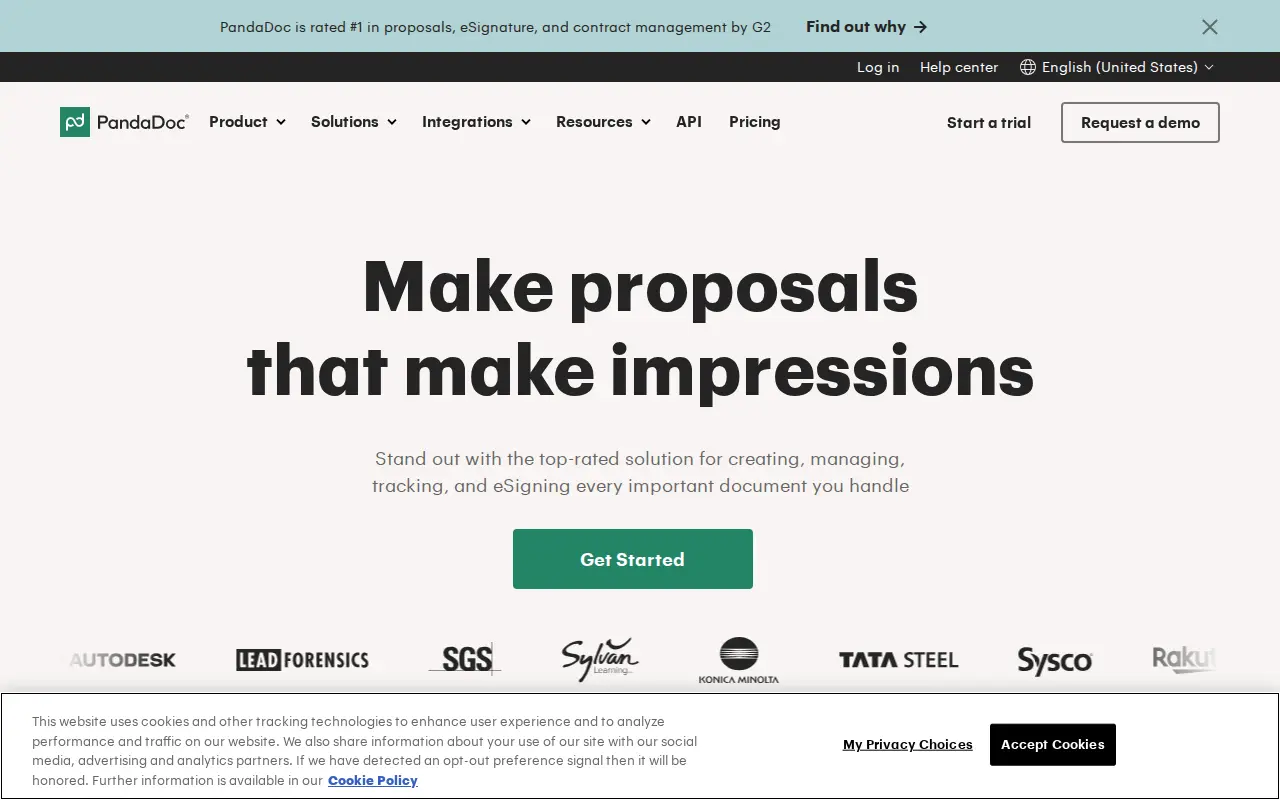
PA PandaDoc
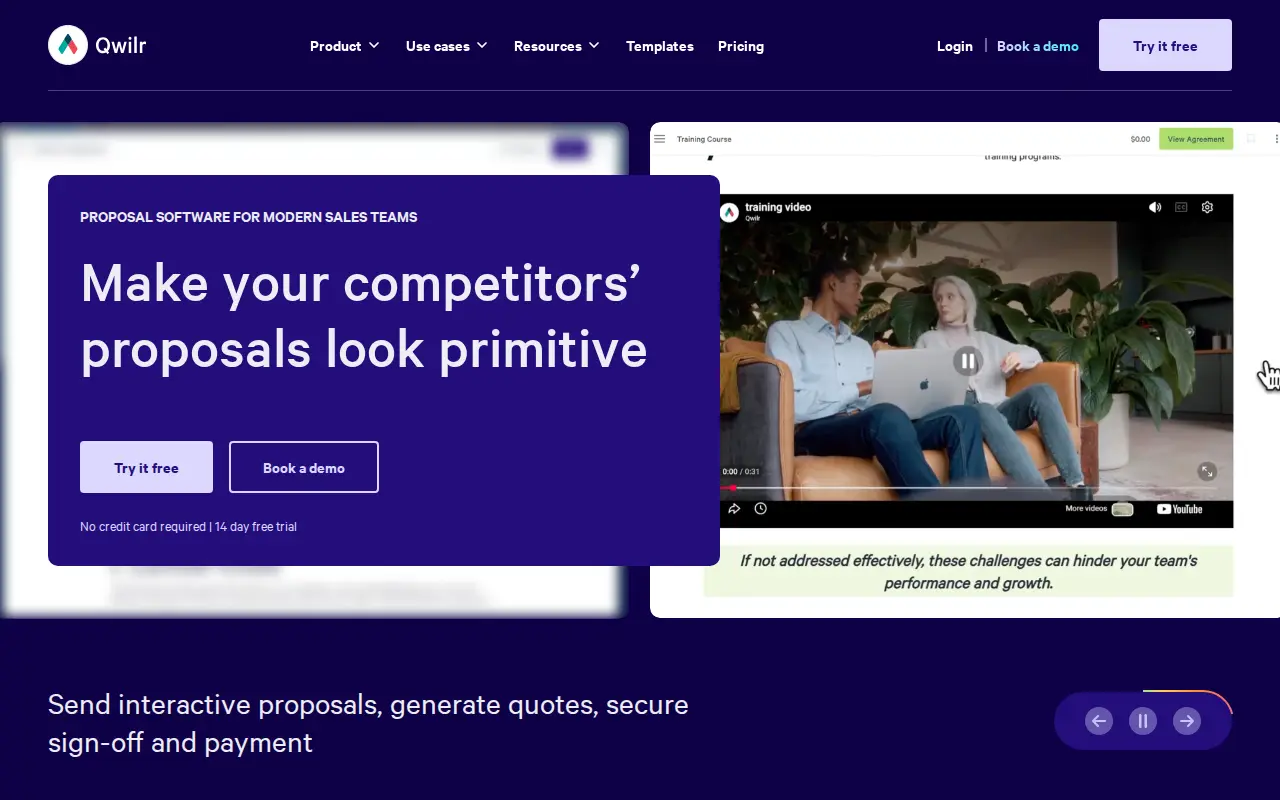
QW Qwilr
Security: ISO 27001, SOC 2, and regional hosting
Put PandaDoc and Qwilr through the same three questions a security reviewer will ask: ISO 27001, SOC 2, and whether you can keep the tenancy in the US or the EU. Cells say Not listed when we could not find the claim on a public vendor page.
| Check | PandaDoc | Qwilr |
|---|---|---|
| ISO 27001 | Not listed | Not listed |
| SOC 2 | SOC 2 | SOC 2 Type II |
| US hosting | Not listed | Not listed |
| EU hosting | Not listed | Not listed |
Slack and Microsoft Teams
During a live questionnaire, SMEs get pinged in Slack or Teams, not in a vendor portal. Here is what PandaDoc and Qwilr publish for those two connections.
| Connection | PandaDoc | Qwilr |
|---|---|---|
| Slack | Slack | Not listed |
| Microsoft Teams | Not listed | Not listed |
Subprocessors: the big three clouds, then the niche names
Compare PandaDoc and Qwilr on AWS, Azure and GCP first. Then scan for niche processors a reviewer should pause on: third-party LLMs, session replay, or support that leaves the region you elected.
| Layer | PandaDoc | Qwilr |
|---|---|---|
| AWS, Azure, GCP | Not listed | Not listed |
| Watch-outs | No niche processors flagged in our sourced list. | No niche processors flagged in our sourced list. |
Short answer: Choose Qwilr if you want the proposal to be an interactive web page and you want quotes, payments, analytics and HubSpot sync on the entry plan ($35 per user per month billed annually). Choose PandaDoc if proposals are one of several documents you need signed and paid (contracts, order forms, forms), or if you need a free plan or a $19 starting seat. The fact that usually decides it: Qwilr’s Starter includes CRM sync and page analytics, while PandaDoc keeps both for Business at $49 per user per month.
The real disagreement between these two is about format. PandaDoc treats a proposal as a document: you design it, the buyer reads it, signs it, maybe pays. Qwilr treats it as a web page: the buyer scrolls, toggles options in a quote, plays an embedded video, and clicks accept. Both camps have a point, and which one fits depends on what your buyers do with a proposal once it lands.
Everything below comes from each vendor’s own pricing and help pages, read in October 2026, plus dated review-site figures from our vendor records. Neither tool answers inbound RFPs, DDQs or security questionnaires, so if that is your problem, this is the wrong comparison.
Key takeaways
- Format is the split: Qwilr publishes link-based pages (unlimited on every plan) with quote blocks, an ROI calculator and one-click acceptance; PandaDoc builds documents with a drag-and-drop editor, Word import and export, and contract tooling.
- Entry plans differ more than the prices suggest: PandaDoc Starter ($19 annually) has no CRM integrations, pricing tables or document analytics; Qwilr Starter ($35 annually) includes e-sign, analytics, QwilrPay and HubSpot, Zoho and Pipedrive.
- Seat minimums: Qwilr Growth ($55) needs 5 users and Scale ($75) needs 10, both annual-only and paid upfront. PandaDoc’s paid plans are per seat with no published minimum.
- Salesforce is a premium on both: an add-on on PandaDoc Business and Enterprise, included only on Qwilr Scale.
- Review standing: PandaDoc 4.7/5 on G2 from 3,592 reviews (July 2026); Qwilr’s pricing page shows 4.6/5 from 933 G2 reviews (October 2026).
- Limitations: PandaDoc puts SSO and custom roles on Enterprise; Qwilr keeps analytics history to 60 days on Starter, bills automated documents per document past the allowance, and says it is not ISO 27001 certified.
Document or web page: what your buyer actually receives
A Qwilr proposal is a URL. The buyer opens a responsive page that can embed video, calendars and spreadsheets, pick options in a quote block, see value in a built-in ROI calculator, accept with one click, sign, and pay. Qwilr can export a PDF for printing, but the page is the product. You can protect pages with passwords, time limits, view caps or domain restrictions, and request that viewers identify themselves.
A PandaDoc proposal is a document. You build it in a drag-and-drop editor (from Starter), import Word files, and send it for signature. On Business it can carry pricing tables, a quote builder and a product catalog, and the same platform handles contract negotiation, redlining (paid add-on on Business), Forms (paid add-on) and Rooms for deal collaboration. You can export to Word, which matters more than people think when a buyer’s procurement team insists on editing your terms.
Which is better? It depends on who reads your proposals. A founder or marketing director scrolling on a phone between meetings is well served by a web page. A procurement team that prints, marks up and files documents will appreciate a document. If your deals regularly end with legal redlines, PandaDoc’s document-first model saves a conversion step.
Pricing and total cost
List prices from both pricing pages in October 2026, annual billing:
| Team | PandaDoc | Qwilr |
|---|---|---|
| 1 user, basics | Starter: $228 a year (no CRM, no analytics) | Starter: $420 a year (CRM, analytics, payments) |
| 5 users with CRM and analytics | Business: 5 x $49 x 12 = $2,940 a year | Starter: 5 x $35 x 12 = $2,100 a year |
| 5 users with branding and automations | Business: $2,940 a year | Growth: 5 x $55 x 12 = $3,300 a year |
| 10 users with Salesforce | Business: $5,880 a year plus the Salesforce add-on (price not published) | Scale: 10 x $75 x 12 = $9,000 a year |
Read the second row carefully, because it is where most small teams land. Qwilr’s entry plan carries features PandaDoc saves for Business, so Qwilr is cheaper for a five-person team that wants CRM sync and engagement data. Once you need Salesforce, the picture flips: PandaDoc Business plus an add-on is likely to come in under Qwilr Scale’s 10-seat minimum, though PandaDoc does not publish the add-on price, so get a quote.
There are smaller line items on both sides:
- Qwilr document automation: API and Smart Proposal Engine documents are billed per document. Plans include 40, 200 or 600 free documents (Starter billed monthly includes none), then $2.50 per document, or $2 down to $1.50 per document in prepaid bundles. Manual pages you build yourself are unlimited.
- QwilrPay fees: the pricing page lists a 0.09% QwilrPay transaction fee on Starter and 0% on Growth and Scale, on top of standard gateway fees.
- PandaDoc add-ons: Salesforce sync, conditional approvals on Business, bulk send, Forms and redlining are paid extras with unpublished prices.
- Qwilr billing terms: Growth and Scale are annual-only and paid upfront for 12 months.
Quotes, payments and getting to “yes”
Both tools want the signature and the payment to happen in the same sitting, which is the right instinct.
Qwilr puts that on every plan. The quote block supports quote tables, tiered plans or both, so a buyer can choose a package or add optional items, and the accept block lets them agree in one click before signing. QwilrPay collects partial, full or recurring payments directly on the page. For services businesses that want a deposit at signature, that is a tidy flow.
PandaDoc supports Stripe payments from Starter, but quotes and pricing tables start on Business, where it also adds PayPal, Square, QuickBooks Payments and Authorize.net. If your finance team is wedded to QuickBooks Payments or Authorize.net, PandaDoc covers it and Qwilr’s pricing page does not list those gateways by plan. Product import from a CRM into a pricing table is on Business; into the quote builder, Enterprise.
On approvals, PandaDoc Business lets you add approvers, set approval order and use approver groups, with conditional approvals as a paid add-on below Enterprise. Qwilr’s pricing page does not list an approval workflow feature by plan, so if discount sign-off is a hard requirement, ask Qwilr to demo it before you assume it exists.
Analytics, automation and the CRM
Analytics: Qwilr shows page analytics (where buyers spend time and what they click) and identity analytics (who is viewing) on every plan, with real-time notifications when pages are viewed, accepted or stall. The catch is history: 60 days on Starter, 120 days on Growth, unlimited on Scale. PandaDoc’s document analytics with status tracking, reporting and content usage reporting start on Business.
Automation: Qwilr’s Smart Proposal Engine (Scale) generates tailored proposals from rules, and its API and MCP integration let you create pages from other systems or an AI assistant, with per-document billing past the included credits. PandaDoc lists API access as a paid add-on on Enterprise in its plan comparison, with webhooks on Enterprise.
CRM: Qwilr Starter includes HubSpot, Zoho and Pipedrive, Growth adds Microsoft Dynamics, and Scale adds Salesforce. PandaDoc includes CRMs other than Salesforce from Business and sells Salesforce sync as an add-on on Business and Enterprise annual plans.
If your team lives in HubSpot and has fewer than five sellers, Qwilr’s entry plan is hard to beat on paper. If you live in Salesforce, both vendors will send you to a sales call.
Templates, branding and keeping reps on script
Both vendors know the real enemy is the rep who “just tweaks” the company proposal. They handle it differently.
Qwilr gives you a template library of ready-made pages, a saved blocks library for reusable content, brand editing (colors, fonts and logos set once), Google Fonts, and real-time collaborative editing with edit or view-only permissions. Custom branding arrives on Growth, and team-level permissions, which let you share pages and templates with private groups, are on Scale. Template settings let you apply defaults such as expiry dates and access rules to every page built from a template, which is a quiet but useful control: no more proposals with last quarter’s pricing still live.
PandaDoc offers design themes and system roles (admin, manager, member) from Starter, a free library of more than 400 public templates on every plan, and unlimited templates plus custom branding, version history and attachments on Business. Content locking, the feature that stops a rep from editing protected sections, is a paid add-on on Business and included on Enterprise. Custom roles are Enterprise-only.
So for a small team, Qwilr gets you more brand control at a lower tier. For a large team that needs locked sections and custom roles, both send you to their top plan.
Security and access to the document
Proposals often carry pricing you do not want forwarded around the buyer’s industry, so it is worth a look at what each tool lets you lock down.
Qwilr has page-level controls that a PDF cannot match: password protection, time limits, view limits, domain-restricted access and identity verification (that last one on Growth and above). Because the proposal is a link, you can also see exactly who opened it. On certifications, Qwilr’s own security FAQ says it completes an annual SOC 2 Type 2 audit and is not ISO 27001 certified, though it follows related practices.
PandaDoc includes an audit trail from Starter and, on every plan, a tamper-proof seal on signed PDFs, signing order and signature forwarding. Recipient verification and qualified electronic signatures (QES) are paid add-ons on Business and Enterprise, which matters if you sell into markets where a simple e-signature is not enough. SSO is Enterprise-only.
The comparison table at the top of this page lists the published security posture for both vendors, with sources. If your buyers run their own vendor-security review on your proposal tool, ask each vendor for its current report before you commit.
Trials and getting started
Both let you test without a credit card, and both trials are short enough that you should plan them.
Qwilr’s 14-day trial gives full access to Starter features, and its pricing FAQ says no card is required. Growth and Scale, where custom branding, automations and Salesforce live, are sold through a demo, and Qwilr also sells onboarding packages and premium design services (the latter included on Scale) if you want its team to build your first templates.
PandaDoc’s trial is also 14 days. Its help center notes that during the trial you can send up to 50 documents with up to 5 recipients each when you sign up with a business email, or 5 documents with 3 recipients on a personal address. That is enough volume to run a real week of deals.
Our advice for both: rebuild your current best proposal, not a sample template, and send it to two colleagues on their phones. You will learn more from that than from a week of feature tours.
Known issues and limitations
PandaDoc
- Starter leaves out the proposal essentials: no content library, pricing tables, quote builder, approvals, document analytics or CRM integrations, and a 5-template cap, per its plan comparison (checked October 2026).
- Salesforce is an add-on: two-way sync is a paid add-on on Business and Enterprise annual plans, per its help center (checked October 2026).
- Admin controls at the top tier: SSO and custom roles are Enterprise-only, and API access is a paid Enterprise option, per the same plan comparison (checked October 2026).
Qwilr
- Seat minimums and upfront billing: Growth requires 5 users and Scale 10, both annual-only and paid upfront for 12 months, per its pricing page (checked October 2026).
- Salesforce only on Scale: the Salesforce integration appears only on the top plan, per its pricing page (checked October 2026).
- Short analytics history on Starter: 60 days, versus 120 on Growth and unlimited on Scale, per its pricing page (checked October 2026).
- No ISO 27001: Qwilr’s security FAQ says it is not ISO 27001 certified and completes an annual SOC 2 Type 2 audit (checked October 2026).
Choose PandaDoc when
- Proposals are one of several documents you send, alongside contracts, order forms and intake forms.
- Buyers or their legal teams want an editable document, Word export or redlines.
- You want a permanent free e-sign plan or a $19 seat for occasional senders.
- Finance needs QuickBooks Payments, PayPal, Square or Authorize.net at signature.
- You are on Salesforce and would rather buy an add-on on Business than meet a 10-seat minimum.
Choose Qwilr when
- You want proposals to read like a modern web page on any device, with video and interactive quotes.
- You are a small HubSpot, Zoho or Pipedrive team and want CRM sync and analytics on the entry plan.
- Buyers pay deposits or recurring fees, and you want QwilrPay on the page they accept.
- Knowing who viewed which section, in real time, will change how your reps follow up.
- You plan to generate proposals automatically from rules or an API and are happy paying per document past the allowance.
Verdict
Different formats for different buyers. Qwilr is the better proposal experience for teams that sell to people who read on screens, and its entry plan is unusually complete for a small HubSpot team. PandaDoc is the better document platform when proposals sit next to contracts and forms, when legal wants a Word file, or when you need a free tier.
Before you buy, send one real proposal from each trial to a friendly customer and ask which one they would rather receive. Then check your Salesforce plans. Those two answers usually pick the tool for you.
Read the full PandaDoc review or Qwilr review, or browse all RFP & DDQ software.
Sources checked
- PandaDoc plan comparison (help center) (checked October 2026)
- PandaDoc Salesforce two-way sync (help center) (checked October 2026)
- PandaDoc reviews on G2 (checked July 2026)
- Qwilr pricing and plan comparison (checked October 2026)
- Qwilr security and compliance FAQ (checked October 2026)
- Qwilr reviews on G2 (checked July 2026)
Frequently asked questions
What is the difference between PandaDoc and Qwilr?
PandaDoc builds documents (proposals, contracts, quotes, forms) that are signed and paid inside one platform, with a free e-sign plan. Qwilr publishes proposals as interactive web pages with quote blocks, an ROI calculator, one-click acceptance and page-level analytics. Neither is built to answer RFPs, DDQs or security questionnaires.
Which is cheaper, PandaDoc or Qwilr?
PandaDoc has the lower floor: Free eSign at $0 and Starter at $19 per user per month billed annually, against $35 for Qwilr Starter, as of October 2026. For a five-person team that needs CRM sync and analytics, Qwilr Starter (about $2,100 a year) undercuts PandaDoc Business (about $2,940 a year), because Qwilr includes HubSpot, Zoho and Pipedrive on its entry plan.
Which is better for sending quotes and collecting payment?
Both take payment inside the document. PandaDoc supports Stripe on Starter and adds PayPal, Square, QuickBooks Payments and Authorize.net on Business, with its quote builder and pricing tables starting on Business. Qwilr includes quote blocks and QwilrPay (partial, full or recurring payments) on every plan, with a listed 0.09% QwilrPay fee on Starter and 0% on Growth and Scale.
Do PandaDoc and Qwilr integrate with Salesforce?
Yes, but neither includes it cheaply. PandaDoc's Salesforce sync is a paid add-on on Business and Enterprise. Qwilr includes Salesforce only on Scale, which is $75 per user per month billed annually with a 10-user minimum.
Do PandaDoc and Qwilr have free trials?
PandaDoc offers a 14-day trial and a permanent Free eSign plan (5 documents a month, 2 recipients each). Qwilr offers a 14-day trial of Starter with no credit card; Growth and Scale are sold through a demo.
Should I choose PandaDoc or Qwilr?
Choose PandaDoc when contracts, forms and multiple payment processors matter as much as proposals, or when you want a free tier. Choose Qwilr when you want proposals to behave like a mobile-friendly web page with quotes, payments, analytics and HubSpot sync on the entry plan.
Do PandaDoc and Qwilr list ISO 27001, SOC 2, and US or EU hosting?
PandaDoc: ISO 27001 Not listed, SOC 2 SOC 2, US Not listed, EU Not listed, Slack Slack, Teams Not listed, clouds Not listed. Qwilr: ISO 27001 Not listed, SOC 2 SOC 2 Type II, US Not listed, EU Not listed, Slack Not listed, Teams Not listed, clouds Not listed. Confirm both on the vendor sites.
Source registry
Every page we read for these profiles, with the month it was last checked. Anything without a source is shown as not publicly disclosed. Spot an outdated fact? Send it from the corrections page.
PandaDoc
Pricing
Security and compliance
- No security source URL recorded. Treat certifications and hosting as not publicly disclosed.
Product and integrations
Qwilr
Pricing
Security and compliance
- No security source URL recorded. Treat certifications and hosting as not publicly disclosed.
Product and integrations
Third-party reviews